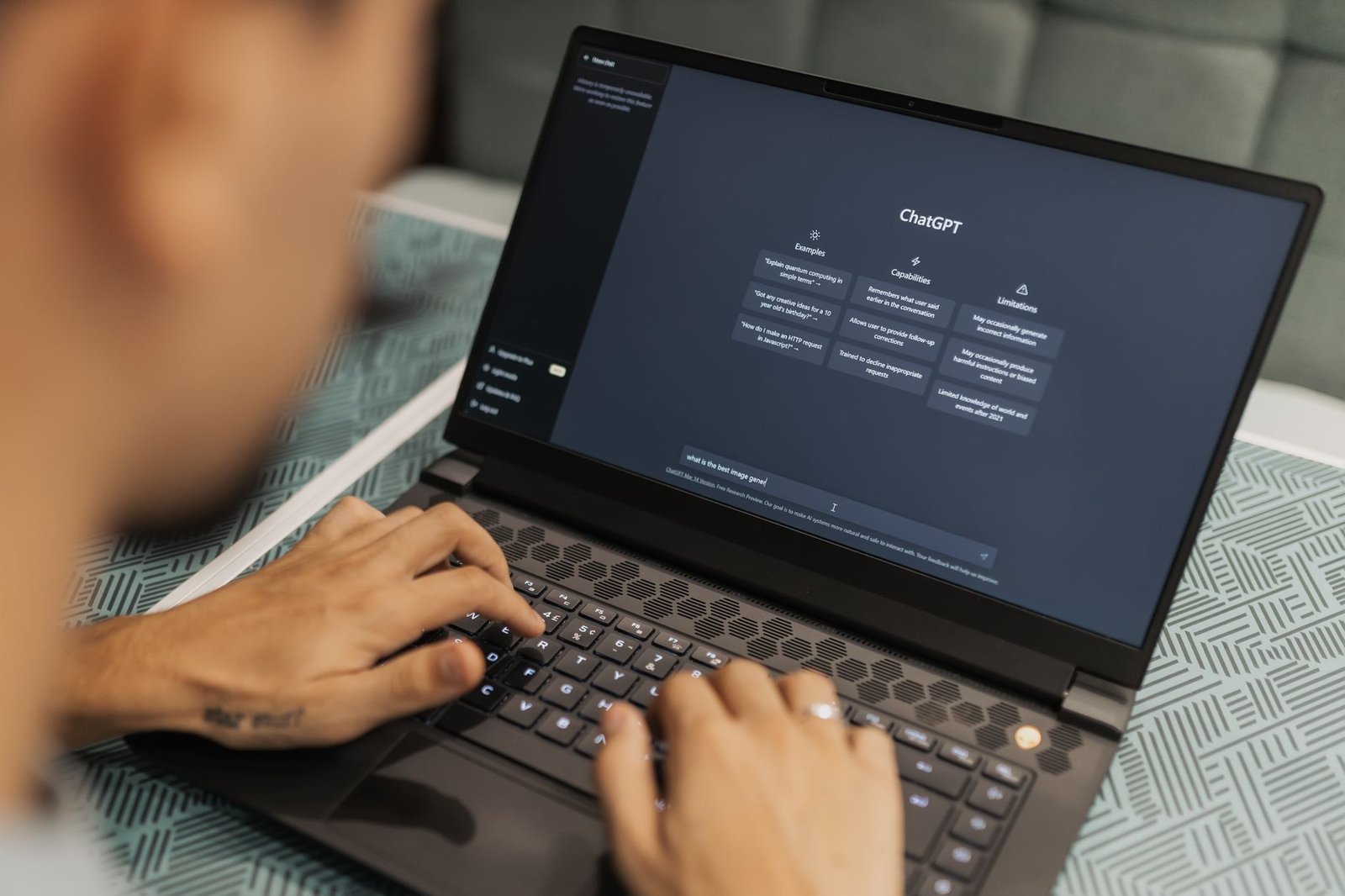
ChatGPT vs Claude is the comparison between OpenAI’s general-purpose AI assistant and Anthropic’s rival model family, and in 2026 it is the question most people ask before paying for an AI subscription. Both are very good. Neither wins everywhere.
The honest problem is that the gap between them moves every few months. Model names change, benchmarks leapfrog, and a verdict that was true in spring can be stale by autumn. The New Stack ran a head-to-head in late October 2026 pitting GPT-6.1 Terra against Claude Opus 5.5 at max effort, and its headline finding was that the OpenAI model came out cheaper and faster in three tests. That is useful, but speed and price are only two of the things you care about.
So this piece focuses on durable differences: how each product behaves, what it costs to use, and who should pick which. I’ll also tell you where each one falls short.
The short answer
- Choose ChatGPT if you want one app that does everything: voice, image generation, web search, custom GPTs, and a huge ecosystem of integrations.
- Choose Claude if your work is mostly long documents, careful writing, or serious coding sessions where you want measured, less chatty output.
- Choose both if you write or build for a living. At roughly the price of two streaming subscriptions, using each for what it does best beats loyalty to one.
How do ChatGPT and Claude compare at a glance?
ChatGPT is OpenAI’s product and Claude is Anthropic’s, and both offer a free tier plus paid plans starting around the same entry price. The biggest practical difference is breadth versus focus: ChatGPT bundles more features, while Claude concentrates on text, code and documents. Check each vendor’s pricing page before buying, because plans and limits change often.
| Factor | ChatGPT (OpenAI) | Claude (Anthropic) |
|---|---|---|
| Price | Free tier; paid plans from about $20 per month (verify on openai.com) | Free tier; paid plans from about $20 per month (verify on anthropic.com) |
| Best for | All-in-one everyday use | Writing, long documents, coding |
| Standout strength | Feature breadth: voice, images, search, custom GPTs | Readable prose and careful handling of long inputs |
| Biggest weakness | Can be verbose and over-eager to please | Narrower feature set, usage caps bite on heavy days |
| Ease of use | Very easy, huge number of tutorials | Very easy, cleaner and simpler interface |
| Image generation | Built in | Not offered natively |
| Coding agent | Codex and API tooling | Claude Code in the terminal |
One caveat on that table. Exact model names, rate limits and context windows are the details most likely to change, so treat the structure as stable and the numbers as something to confirm on the day you subscribe.
ChatGPT: the Swiss Army knife that rarely lets you down
ChatGPT is the better choice when you want a single assistant for mixed tasks, because it handles text, images, voice and web lookups in one place. It is also the product with the largest user base, which means more guides, more plugins and more third-party apps built around it.
What it does best
Versatility is the whole pitch. You can brainstorm a lesson plan, ask for a chart from a spreadsheet, generate an illustration, and talk through a problem hands-free on your commute, all without switching tools. For a beginner learning about AI, that single front door matters.
The custom GPT system is another real advantage. You can package instructions and reference files into a reusable assistant, which is handy for repeated tasks like reviewing pull request descriptions or drafting weekly reports.
Where it falls short
ChatGPT tends toward padding. Ask a simple question and you often get a preamble, a list, and a summary of the list. It can also agree with you too readily, which is a problem when you want an honest critique of your code or draft.
Skip ChatGPT as your only tool if your day is mostly editing long prose or working inside very large codebases. It will work, but you may spend more time trimming its output.
Claude: the careful writer and coder
Claude is the better choice for writing quality and sustained technical work, because its output usually reads as more natural and less padded. Anthropic has built its reputation on that tone and on handling long documents well, and developers have embraced Claude Code, its terminal-based coding agent.
What it does best
Give Claude a long report, a contract draft or a messy research paper and ask for a structured summary. This is where it earns its fans. It tends to follow detailed instructions closely, keeps a consistent voice across a long draft, and pushes back more often when your premise is shaky.
For programming, the pairing of a strong model and an agent that lives in your terminal suits refactoring and multi-file changes. If you want a wider view of what’s out there, our roundup of trending AI tools for programming covers the copilot and Cursor-style options alongside both assistants.
Where it falls short
Claude does not generate images natively, and its voice and ecosystem features are thinner than ChatGPT’s. Usage limits on paid plans can also interrupt a long session, which is frustrating when you are mid-debug.
Skip Claude as your only tool if you want a one-stop creative studio or deep integrations with third-party apps.
Which is better for coding, ChatGPT or Claude?
For coding, Claude is the safer first pick for complex multi-file backend work, while ChatGPT is stronger when you also want data analysis, quick scripts and visual output. Both can write correct Python, SQL and JavaScript. The deciding factor is workflow, not raw intelligence.
In practice, the failure modes differ. ChatGPT can produce confident code that quietly invents a library function. Claude can produce tidy code that over-engineers a simple request. In both cases, you need tests, and you should never paste output into production unread.
The late-October 2026 New Stack comparison is a good reminder of why you should not marry one model. According to The New Stack, GPT-6.1 Terra was cheaper and faster than Claude Opus 5.5 across its three tests at max effort. Cheaper and faster does not automatically mean better for your codebase, though. Run your own task through both before committing.
If you build services for a living, see our guide to productive AI tools for backend developers in 2026 for how these assistants slot into a real stack.
Which writes better, ChatGPT or Claude?
Claude generally produces more natural, less formulaic prose, so it is the better pick for essays, emails and editing. ChatGPT is quicker for outlines, headlines and bulk variations. Writers often draft in one and polish in the other.
A useful trick works with either. Paste three paragraphs of your own writing and ask the model to describe your style in five bullet points, then reuse that description as an instruction. It cuts the generic tone far more than saying “write casually.”
And be wary of any AI draft that sounds smooth but says little. Both models can produce fluent filler. Our piece on useful AI tools that aren’t just AI slop goes deeper on telling the difference.
Is ChatGPT Plus or Claude Pro worth the money?
Yes, if you use an assistant daily, because the paid tiers raise usage limits and unlock the newest models. Both entry plans sit around the same monthly price, so cost rarely decides it. What decides it is whether you hit the free-tier ceiling.
A simple test: if you reach the free cap more than a couple of times a week, upgrade. If you ask three questions a day, stay free. I would not pay for both until you have proven that each earns its place.
Switching cost is low. Neither locks you into a long contract, and your prompts are plain text you can paste anywhere. The one real lock-in is custom GPTs and saved project files, which do not transfer cleanly between platforms.
Which one should you choose?
- Students and beginners: ChatGPT. The broad feature set and abundant tutorials make it the easiest place to start. Pair it with free material such as the Google AI courses we rounded up.
- Professional writers and editors: Claude. Its prose needs less cleanup.
- Software engineers: Claude for deep refactoring and agent work, ChatGPT for quick scripts and data tasks. Many developers keep both open.
- Researchers and analysts with long documents: Claude, for its handling of lengthy inputs.
- Creators who need images and voice: ChatGPT, since Claude lacks native image generation.
- Budget-conscious users: Start with both free tiers for a week, then pay for the one you keep reopening.
That is the verdict. ChatGPT wins on breadth, Claude wins on craft, and the right choice depends on which of those your week demands. Open both, give each the same real task from your own work, and keep the one whose answer you’d actually send.
FAQ
Is Claude better than ChatGPT?
Not universally. Claude tends to win on writing quality and long-document work, while ChatGPT wins on features and ecosystem. The better one is whichever fits your main task.
Can I use both without paying twice?
Yes. Both have free tiers with daily limits, so you can split your tasks across them and only upgrade the one you outgrow first.
Will I lose my work if I switch?
Plain chat text is easy to copy over. Custom GPTs, saved projects and uploaded reference files are tied to each platform, so export what matters before you cancel.
Which is safer for sensitive data?
Both vendors publish privacy and data-use settings, and these differ by plan. Read the current policy on openai.com and anthropic.com, and avoid pasting confidential material into any consumer plan unless your employer has approved it.
Which model is cheaper to run through the API?
It changes often. The New Stack’s October 2026 test found GPT-6.1 Terra cheaper than Claude Opus 5.5, but pricing differs by model tier, so compare the current API pages for the exact model you plan to call.
Sources